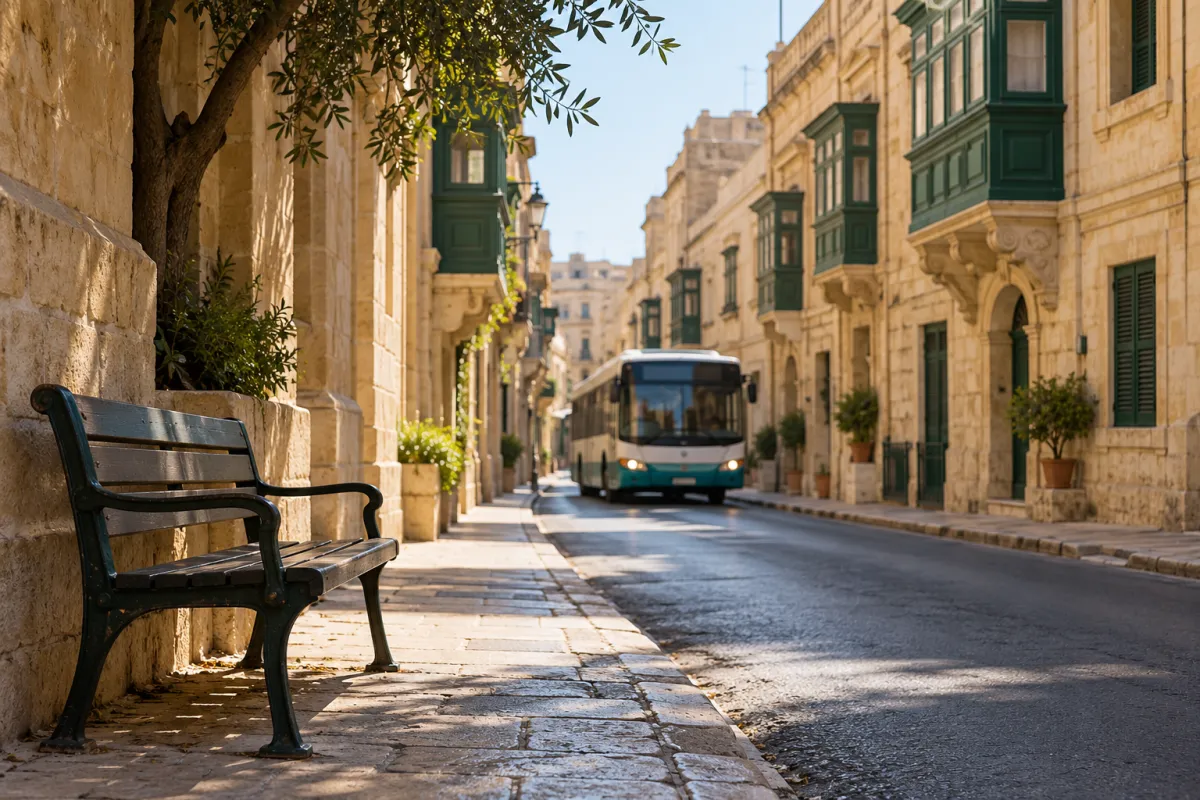
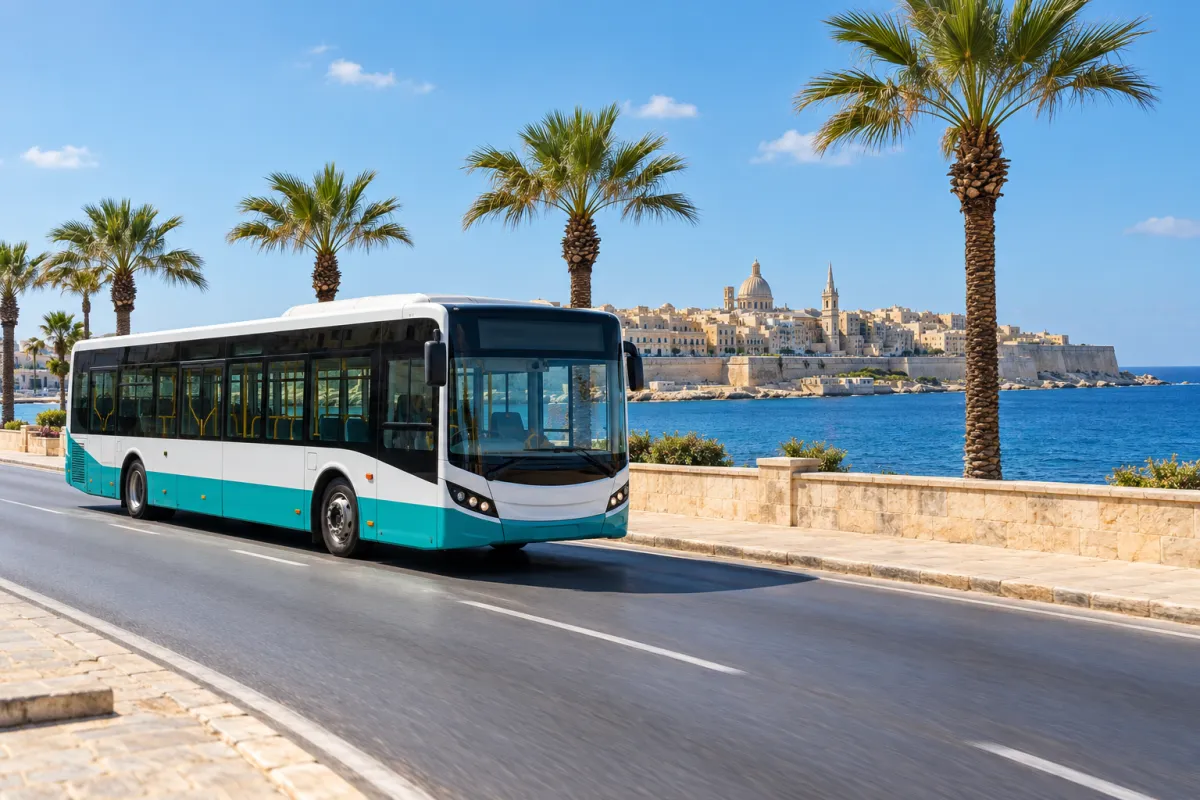
The Malta bus app most newcomers end up relying on is Tallinja, the official app from Malta Public Transport. It is more than a timetable. It tracks buses live on a map, plans journeys with walking directions and lets you link your personalised Tallinja Card to check balances and trip history (Malta Public Transport). If you are new to the island and don’t have a car, this app will shape your week more than almost anything else on your phone.
After years of commuting by bus here, my rule is simple. The printed timetable at the stop tells you what should happen. The live map tells you what is happening. Traffic, roadworks, village feasts and full buses all shift arrival times, and the app is how you stop standing at a stop wondering whether you have missed it.
This guide covers setup step by step and what travel actually costs. The app is only half the story: the card is the other half. It also covers the rules that catch people out and how the app fits with ferries, the Barrakka Lift and trips over to Gozo.
What the Malta bus app actually does
Malta Public Transport describes the Tallinja app as one tool for planning, tracking and paying. In practice it does five jobs.
- Journey planning. Enter a destination and the app suggests routes, shows walking directions to and from stops and lists your transport choices.
- Live GPS tracking. Buses appear on a map in real time, so you can see arrivals and delays as they happen rather than guessing from a timetable.
- Card management. You can link a personalised Tallinja Card or a Flex Card, check balances, view your transaction history, top up and buy transport offers (official Tallinja app page).
- Service disruption alerts. Diversions and changes to routes show up in the app, which matters on an island where a road closure can push a route onto a completely different street.
- Tallinja On Demand. The app also lets you book seats on premium, on-demand public transport minibuses in designated areas, alongside the fixed-route buses (Tallinja app on Google Play).
For a newcomer, the planning and tracking features do most of the work. You probably don’t yet know that two stops with almost the same name sit on opposite sides of a main road, or that the route you took last week has been diverted. The app sorts out that confusion before you leave the flat.
What the app does not replace
Don’t assume the app replaces your physical card on board. The official rule is about tapping your Tallinja Card on the ticketing machine when you get on the bus. Treat the app as your planner and account dashboard, and treat the card as your ticket.
Before you start: card, phone and data
You can install the Malta bus app on your first day, but it becomes far more useful once three things are in place.
1. A personalised Tallinja Card
The personalised card is what unlocks free travel on most routes. Registering costs a one-time, non-refundable administration fee of €25 for adults aged 17 to 59 and for full-time students aged 11 and over, plus postage (Malta Public Transport registration page). Our separate guide on how to apply for a personalised Tallinja Card covers the application itself. Apply early, because the card has to be produced and posted to you, and you will be paying fares until it arrives.
2. A local SIM with mobile data
Live tracking needs a data connection, and roaming on a foreign SIM gets expensive fast if you check bus times several times a day. Our comparison of the best SIM card plans in Malta from GO, Epic and Melita will help you pick one. A small data allowance is usually enough for bus tracking. Maps and streaming are what eat through it.
3. Knowing your home stop
Before you set anything up, find the stop nearest your flat, your school or your office. Walk to it once. Stops in Malta can be easy to miss: sometimes a pole on a narrow pavement, sometimes a shelter around a corner from where the map seems to put it. Once you have seen it in person, the app’s map makes much more sense.
How to set up the Malta bus app, step by step
The whole process takes about a quarter of an hour, and you only do it once.
- Install the official app. Search for Tallinja in the App Store or Google Play and check that the publisher is Malta Public Transport. Several third-party transit apps cover Malta, but only the official one can link your Tallinja Card and show your balance and history.
- Allow location access. When the app asks, allow location while you are using it. Without it you lose the nearby-stops view and walking directions, which are half the point for a newcomer.
- Create your account and sign in. Follow the in-app registration prompts. Use an email address you actually check, because that is where account messages go.
- Link your personalised Tallinja Card. Once the card arrives in the post, add it in the app’s card section. If you are using a Flex Card in the meantime, you can link that instead (Malta Public Transport). A linked card lets you see every tap, which is useful if you ever need to check a journey.
- Plan your regular trips before you need them. Run the journey planner for your commute, the supermarket, your school or university and the nearest hospital or health centre. Note which route numbers come up again and again. Those are your lines.
- Turn on notifications for disruptions. Service alerts are only useful if you see them. Allow notifications so diversions reach you before you walk to a stop the bus no longer serves.
- Check the top-up and offers section. If you are still waiting for a personalised card, or you will use routes outside the free scheme, this is where you top up and buy transport offers.
- Do a test run. Pick a short trip, open the live map, watch your bus approach and tap your card when you board. One real journey teaches you more than an hour reading about it.
Practical tip: add your home stop and your most-used destination in the journey planner first, so the routes you need come up within a couple of taps. On a hot day at a busy stop, that saves real time.
Using the Malta bus app day to day
Once it is set up, the Malta bus app fits into a simple routine. These are the habits that make the most difference.
Check the live map before you leave
Open the live view before you walk out the door, not when you reach the stop. If your bus is running late, you get a few more minutes at home. If it is early, you know to hurry. On busy corridors such as the coast road between Sliema and St Julian’s, buses can arrive bunched together or already full. Seeing that coming lets you choose between waiting and walking to a different stop.
Plan any unfamiliar trip from scratch
Don’t reuse a route a friend gave you months ago. Routes change, and the planner reflects the current network. The airport is the classic example: some airport services are Tallinja Direct (TD) routes, which sit outside the free travel scheme. Our guide to getting from Malta Airport to Sliema by TD3, regular bus or taxi explains the options. For a wider overview of the network, see our breakdown of key Malta bus routes and how the lines connect.
Read disruption alerts properly
Malta’s roads are narrow, and roadworks, events and feasts regularly divert routes. When an alert appears, read which stops are affected rather than just the route number. The diversion often affects only part of the route, so your stop may still be served.
Try Tallinja On Demand where it operates
The On Demand option lets you book a seat on a premium minibus through the app in designated areas (Google Play listing). It is worth checking whether it covers your area, especially if your nearest fixed route runs infrequently. Booking terms and pricing can differ from regular buses, so read the details in the app before you book.
Know when the bus is not the answer
Be honest with yourself about timing. If you have an early flight, a medical appointment or a job interview, and the live map shows long gaps, a ride-hailing app or cab can be the sensible choice. Our comparison of Malta taxi prices for white taxis, Bolt, Uber and eCabs helps you judge when it is worth paying.
Tallinja card for residents: costs table (2026)
Free travel on Malta’s buses is tied to holding a personalised card, not to downloading the app. This is the part people mix up most. The app is how you manage and track your travel. The personalised Tallinja Card for residents and students is what makes most of it free. The figures below come directly from Malta Public Transport’s own pages.
| Item | Cost | Official source |
|---|---|---|
| Personalised adult Tallinja Card, ages 17 to 59 (one-time administration fee) | €25 plus postage, non-refundable | Register now page |
| Student Tallinja Card, full-time students aged 11 and over | €25 plus postage, non-refundable | Register now page |
| Day Routes, Night Routes and Special Services with a personalised card | Free | Free public transport page |
| Tallinja Direct (TD) routes | Fare applies, not part of the free scheme | Free public transport page |
| Boarding without presenting your card or a valid cash ticket | €50 penalty fee | Free public transport page |
The free scheme covers Day Routes, Night Routes and Special Services across both Malta and Gozo, so the same card works on Gozo’s buses once you have crossed over (Malta Public Transport). Eligibility rules and current fares for non-free services can change, so check the official pages before you budget. If you have just arrived and are still waiting for your card, plan on paying fares for your first weeks.
Ferries, the Barrakka Lift and the Three Cities ferry from Valletta
The free travel scheme reaches beyond buses. Malta Public Transport says personalised card holders can also use select ferry services and the Barrakka Lift free of charge (free public transport page). For anyone living in or around Valletta, that changes how you move around the harbour.
The Barrakka Lift
The lift links Upper Barrakka Gardens in Valletta with the waterfront below. It saves you a steep walk down, or more importantly up, the bastions, especially in summer heat. Tap your card as you would on a bus.
The Three Cities ferry from Valletta
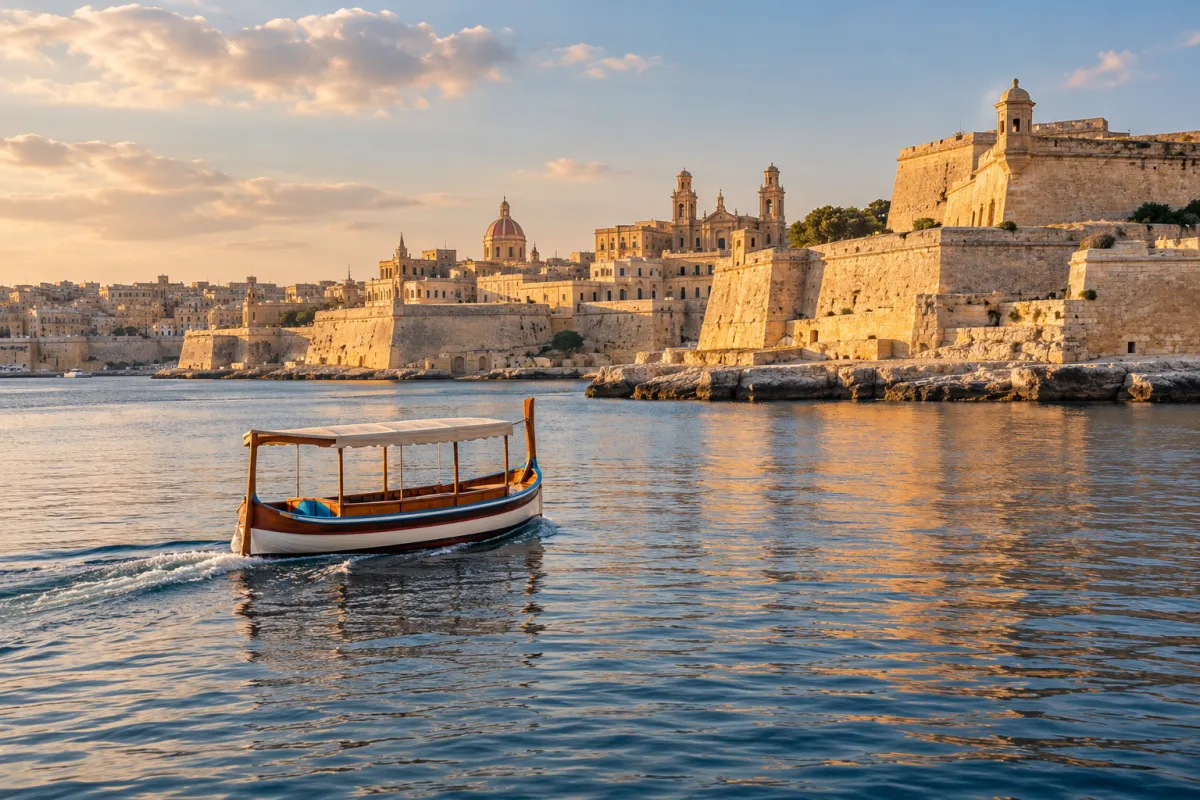
The Three Cities ferry from Valletta leaves from the Grand Harbour waterfront below the lift and crosses to Birgu, Senglea and Cospicua. The crossing is short and it is one of the nicest commutes on the island. Before you rely on it as part of the free scheme, check the official page for the current list of included ferry services. Timetables and operators on the harbour routes can change with the season.
Getting to Gozo
The Gozo ferry is a separate service with its own schedule and fares. Our Gozo ferry timetable and fast ferry guide covers departure times and options. Once you land, the Malta bus app works the same way on Gozo: plan the route, track the bus and tap your card.
Common mistakes newcomers make
Avoid these:
- Not tapping because travel is free. Free does not mean optional. Passengers must tap their Tallinja Card every time they board, and anyone who fails to present a card or valid cash ticket faces a €50 penalty (Malta Public Transport).
- Assuming TD routes are free. Tallinja Direct routes are outside the free scheme and charge a fare. This catches many people on airport trips.
- Trusting the printed timetable over the live map. Timetables are a plan. The live map shows where buses actually are.
- Installing an unofficial app. Third-party apps can be handy for maps, but only the official Tallinja app links your card, balance and history.
- Never linking the card. Without it you can’t easily check your taps or balance if something looks wrong.
- Leaving with a flat battery or no data. No data means no live tracking. Carry a small power bank in summer, when phones drain faster in the heat.
- Applying for the personalised card late. Every week without it is a week of paying fares you might not need to pay.
Other admin to sort in your first weeks
Getting the Malta bus app working is usually part of a bigger first-month admin push. Two other jobs tend to come up at the same time.
Water bill: Malta WSC account transfer
When you rent a flat, ask early how the water and electricity accounts are handled. In Malta, water comes from the Water Services Corporation (WSC) and bills are issued through ARMS. Some landlords keep the account in their own name and recharge you. Others expect a water bill account transfer into the tenant’s name. Get the arrangement in writing in your lease, and photograph the meter readings on the day you move in. The utility companies’ own websites explain their current transfer procedure. Follow that rather than second-hand advice, because the paperwork can change.
Learn your local lines
Spend your first fortnight learning the two or three routes you will use most. Ride them at different times of day and watch how the live map compares with reality. By week three you will know which stop to walk to when your usual bus is full, and the app becomes a quick check rather than a lifeline.
Use your new mobility to build a routine
Once you can get around easily, the island gets smaller in a good way. A free bus ride turns a weekend walk along the coast or a coffee in a different town into an easy plan rather than an expedition. Many people who arrive alone say this is when Malta starts to feel like home.
Want to turn this into an actual plan? MeetNow is a free app for meeting people in person: a host posts a plan at a public place, says who pays (host pays, split, pay your own or free) and picks who joins. It is live on the web and works in your browser, starting in Malta. The Android app is on Google Play; the iPhone app is not in the App Store yet. Open MeetNow and see the plans posted in Malta.
Whenever you meet someone new, choose a public place, tell a friend where you are going, arrange your own way home (the journey planner helps here) and leave if anything feels uncomfortable.
Malta bus app FAQ
Is the Tallinja app the official Malta bus app?
Yes. Tallinja is the official app published by Malta Public Transport. It combines journey planning, live bus tracking, card management and service disruption alerts, and it is the only app that can link your personalised Tallinja Card.
Do I still need to tap my card if bus travel is free?
Yes. You must tap your Tallinja Card on the ticketing machine every time you board, even when your journey is free. Passengers who cannot present a tapped card or a valid cash ticket face a penalty fee.
Are Tallinja Direct (TD) routes free with a personalised card?
No. Tallinja Direct routes are not part of the free public transport scheme, so a fare applies even if you hold a personalised card. Check the journey planner to see whether a suggested route is a TD service.
Can I use the app before my personalised card arrives?
Yes. You can use the planning and live tracking features while you wait. Linking a card adds balances and transaction history. Until your personalised card arrives, travel with a valid cash ticket or another Tallinja card product such as the Flex Card.
What is Tallinja On Demand?
Tallinja On Demand is a feature inside the official app that lets you book seats on premium on-demand public transport minibuses in designated areas. Check the app for where it operates and how booking works before you rely on it.
Does the free scheme cover the Three Cities ferry from Valletta?
Malta Public Transport says personalised card holders can use select ferry services and the Barrakka Lift free of charge. Check the official free public transport page for the current list of included ferries before you count on a specific crossing.